Hiddify Cross-Platform
Next-generation cross-platform proxy client with auto-routing新一代全平台通用客户端,支持智能路由与极简配置
Step 1: Download
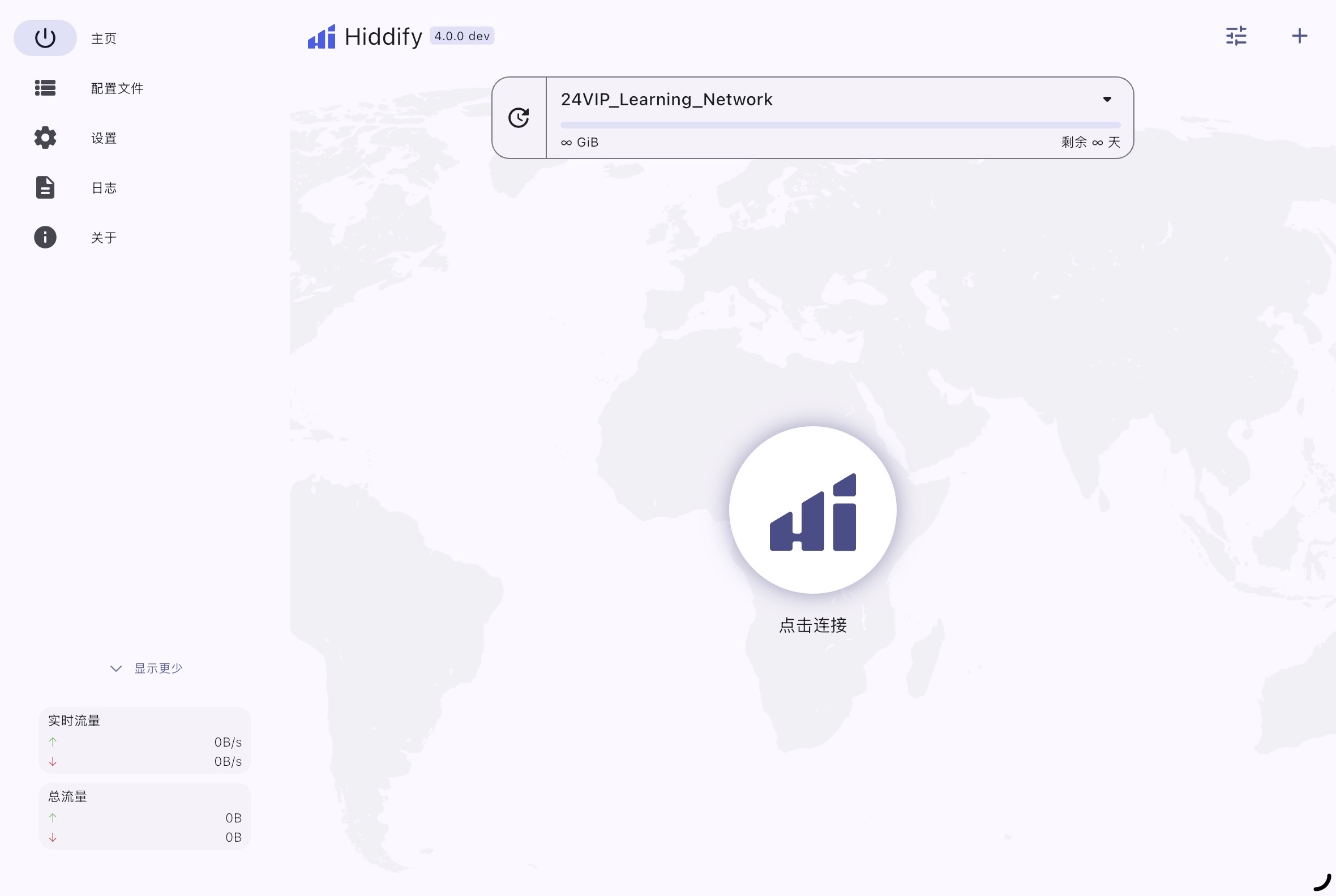
Click the button above to visit GitHub and download the appropriate installer for your system (Windows, macOS, Android, etc.).
Step 2: Add Profile
Open Hiddify, click "New Profile" or the "+" button, and paste your exclusive subscription URL.
Step 3: Connect
Click the large connect button in the center of the home screen to start the proxy service.
第一步:下载安装
点击上方按钮前往 GitHub,下载对应您设备系统(Windows、macOS、Android 等)的安装包并完成安装。
第二步:导入配置
打开 Hiddify,点击主界面的 “添加配置” 或右上角 “+” 号,将您的专属专线链接粘贴进去并保存。
第三步:一键连接
返回软件主界面,点击正中央的巨大连接按钮,即可全自动开启极速专线网络。
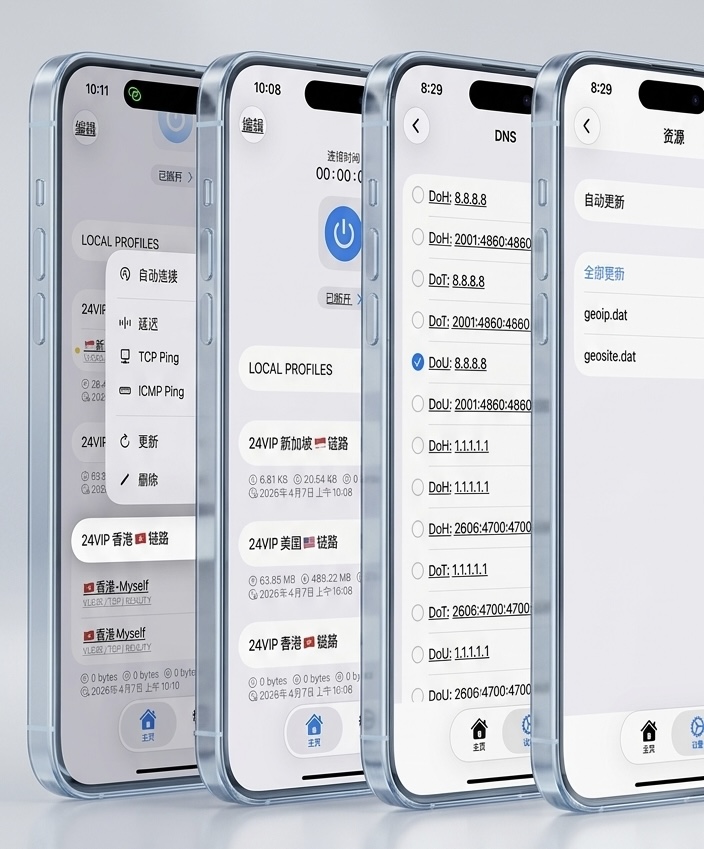
Streisand iOS Recommended
Modern, clean and powerful iOS proxy tool现代、简洁且功能强大的 iOS 代理工具

Step 1: Download
Click the button above to download Streisand from the App Store (requires non-Mainland Apple ID).
Step 2: Add Subscription
Open the app, tap the "Subscriptions" tab at the bottom. Tap the "+" icon at the top right and select "Add Subscription".
Step 3: Connect
Paste your exclusive URL and save. Go back to the Home tab and tap the large Connect button.
第一步:下载应用
点击上方按钮或使用非中国大陆区 Apple ID 登录 App Store,搜索下载 Streisand。
第二步:导入专线配置
打开应用,点击底部的“订阅”标签页。点击右上角 "+" 号,选择“添加订阅”,将工程师下发给您的专属专线链接粘贴进去并保存。
第三步:一键连接
返回首页,点击巨大的启动按钮即可连接至全球网络。
Shadowrocket iOS Classic
Most reliable iOS client苹果生态最普及的老牌客户端 (小火箭)
Step 1: Add Link
Open the app, tap "+" at the top right, and set Type to "Subscribe".
Step 2: Save
Paste your exclusive URL into the field and tap Done.
Step 3: Routing & Connect
Set Global Routing to "Config", select a line, then toggle the main switch on to connect.
第一步:添加订阅
打开小火箭,点击右上角 "+",类型务必选择 "Subscribe" (订阅)。
第二步:保存配置
将收到的专属专线链接粘贴到 URL 框中,点击右上角完成,系统会自动拉取专线列表。
第三步:路由与连接
请将下方的全局路由模式设定为 “配置 (Config)”,选择一条专线,最后开启顶部开关即可。
v2rayNG Android
Stable and efficient for Android安卓系统下稳定高效的首选工具
Step 1: Settings
Tap the menu at top left, select "Subscription settings".
Step 2: Add URL
Tap "+", paste the URL, and save (checkmark at top right).
Step 3: Update & Connect
Go back, tap the three dots at top right, select "Update subscription". Select a line and tap the 'V' icon to connect.
第一步:进入设置
点击左上角三横线菜单,选择 “订阅设置”。
第二步:添加链接
点击右上角 "+",备注填 "24VIP专线",粘贴链接并点击右上角对勾保存。
第三步:更新与连接
返回主页,点右上角三个点选择 “更新订阅”。系统拉取专线后,选中任意专线,点击右下角 V 字图标即可连接。
⚠️ Important Notice & Troubleshooting特别说明与常见排障指南
1. Proper Routing Settings1. 路由模式的选择 (至关重要)
Always use "Config" or "Rule" mode. Do not use "Global" mode, as it will route all domestic traffic through the proxy, causing app failures.无论使用何种客户端,请务必将路由模式设置为 “规则 (Rule)” 或 “配置 (Config)”。切勿开启“全局代理”,否则国内 App (如微信、淘宝、网易云) 会因判定 IP 在海外而导致功能受限或图片无法加载。
2. Domestic Apps Not Loading?2. 连接后国内 App (如淘宝) 打不开?
Ensure "Traffic Sniffing" is enabled in your app settings, and disable IPv6 resolving if connection issues persist.这通常是由于分流规则未生效导致。请进入客户端内部设置:① 开启“流量嗅探 (Sniffing)”;② 关闭 Fake-IP (虚拟IP) 功能;③ 建议在网络设置中关闭 IPv6 解析。修改后杀掉 App 后台重新打开即可解决。
3. Customizing Client Parameters3. 第三方客户端的自定义设置
We provide standard subscription links. You are free to modify internal parameters (like DNS or fallback rules) within your app to suit your network environment.24VIP 下发的是标准专线订阅链接。对于进阶用户,您可以根据自身网络环境,在客户端内自由调整内部参数(如自定义直连 DNS 为 223.5.5.5、添加针对特定域名的阻断/分流规则等),客户端内的修改不会影响云端专线状态。
4. Connection Failed or Timeouts4. 专线超时或连接失败
Try updating your subscription to pull the latest nodes. Ensure your device time is synced with internet time.如遇突发断连:首先尝试在客户端内点击 “更新订阅” 获取最新专线 IP;其次,请确保您手机的系统时间与真实网络时间严格同步,时差超过 2 分钟会导致 VLESS 协议握手失败。